
MemoryString
Free Mac photo slideshows
Thousands of photos become a polished movie in minutes
Long story short picks the best shots automatically. 50 handpicked royalty-free tracks built in. Cinematic transitions throughout. One click captions your photos with their place and date. Completely free.
Your kids' faces are not training data.
macOS 14+ Apple Silicon and Intel
What people say
4.3 out of 5Long story short alone is worth the download.
"Free, on-device, and it does the curating that people actually fail at."
Cliff Wade at Pure App Reviews (23 Nov 2026), 4.3 out of 5
Read the review →
A free iMovie alternative that gets you "to the finished product faster."
With more control than Photos Memory Movie.
Philip Michaels at Six Colors (19 Oct 2026)
Read the App Report →
Superschnell Supereasy
"Eine Slideshow für ein Geburtstag mit über 400 Fotos in gerade mal 20 Minuten erstellt. Top!"
English translation: Super fast, super easy. Made a birthday slideshow with over 400 photos in just 20 minutes. Top!
Electrocker, Mac App Store (Germany), Oct 2026
"I love the automatic transitions without having to do them all myself."
"Was looking for something quick to put all the pictures together for a graduation. It worked great!"
Esther
Missionary wife, Christian school and seminary, El Salvador
Long story short
Turn hundreds or thousands of photos into a 1-30 minute movie. MemoryString keeps the best shots, drops near-duplicates, and shortens long videos automatically.
Pick your length. The app does the hard work. Your original photos stay untouched.
Fit Show to Music
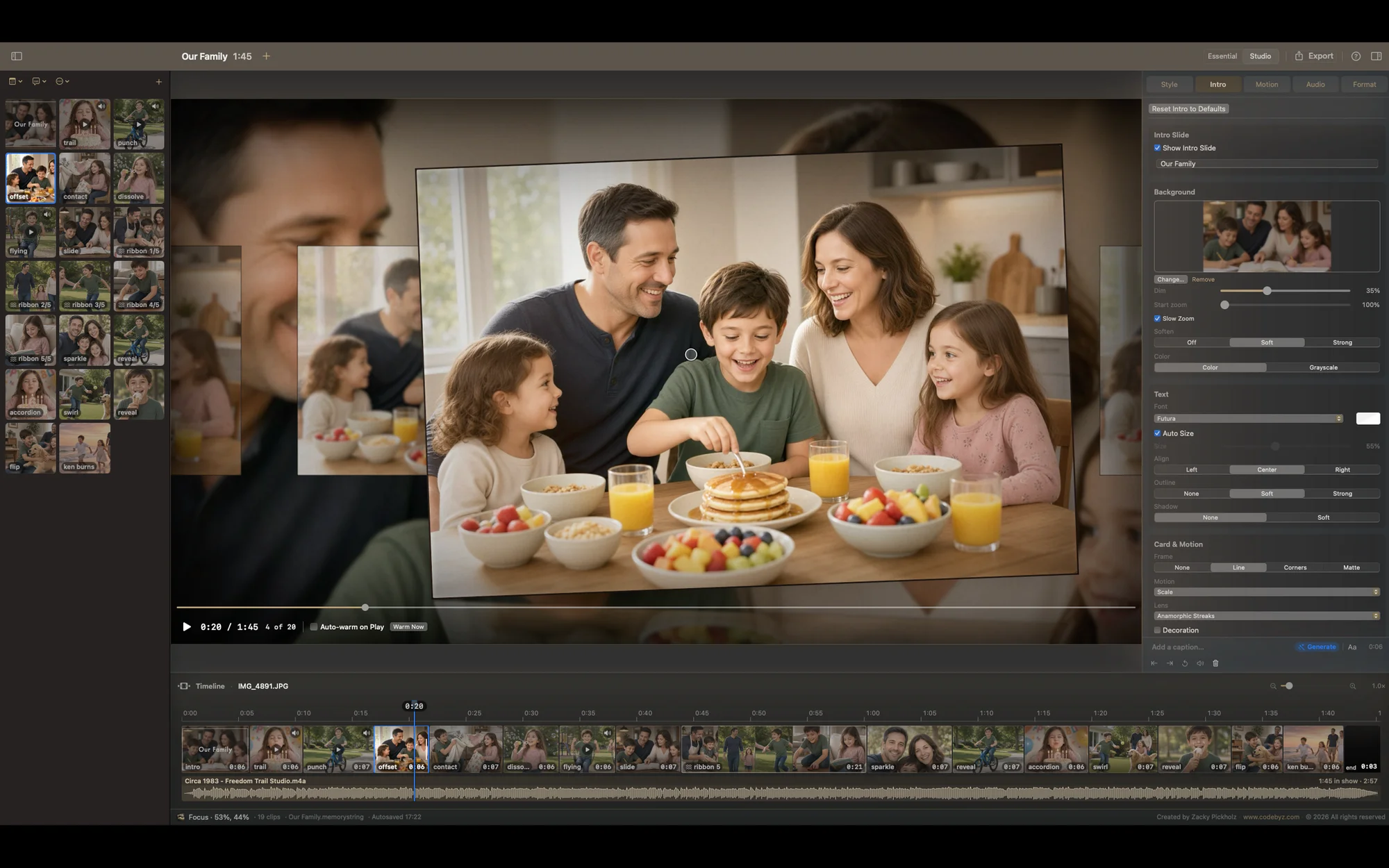
Your track covers the whole film, end card included, and fades out across the Created with MemoryString credit. Perfect timing every time.
Music Follows Show keeps music aligned when you adjust the show length.
One-click captions
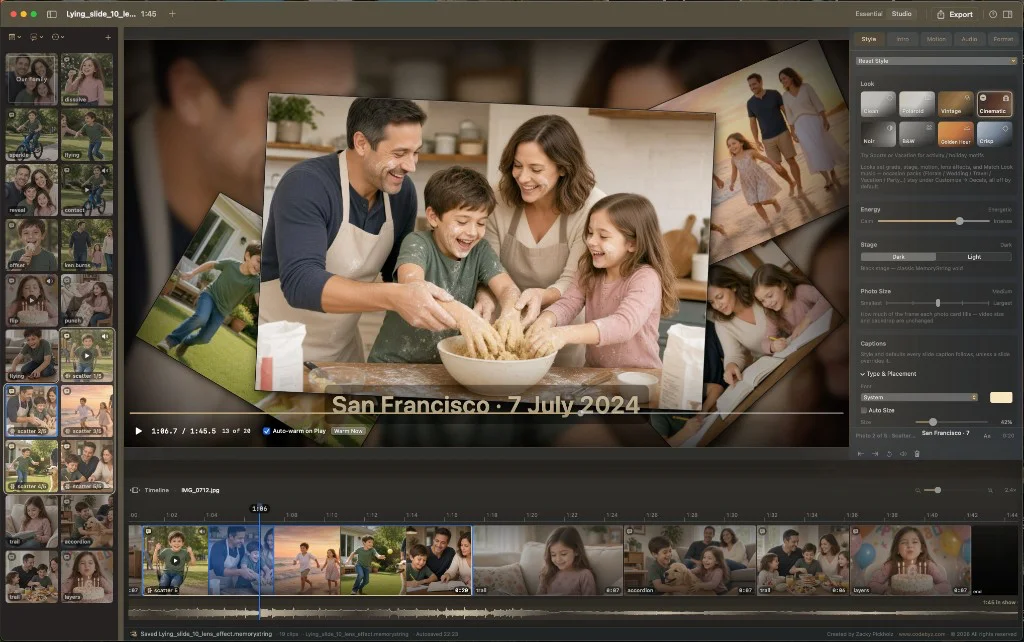
One click captions your photos with their place and date, for example Golden Gate Park, San Francisco · 6 July 2024. Click the captions bubble in the Library header and choose Auto Caption, or click Generate in the Inspector.
If a photo has no place, it uses the capture date, or a readable filename. Captions you type yourself are left as they are.

Looks
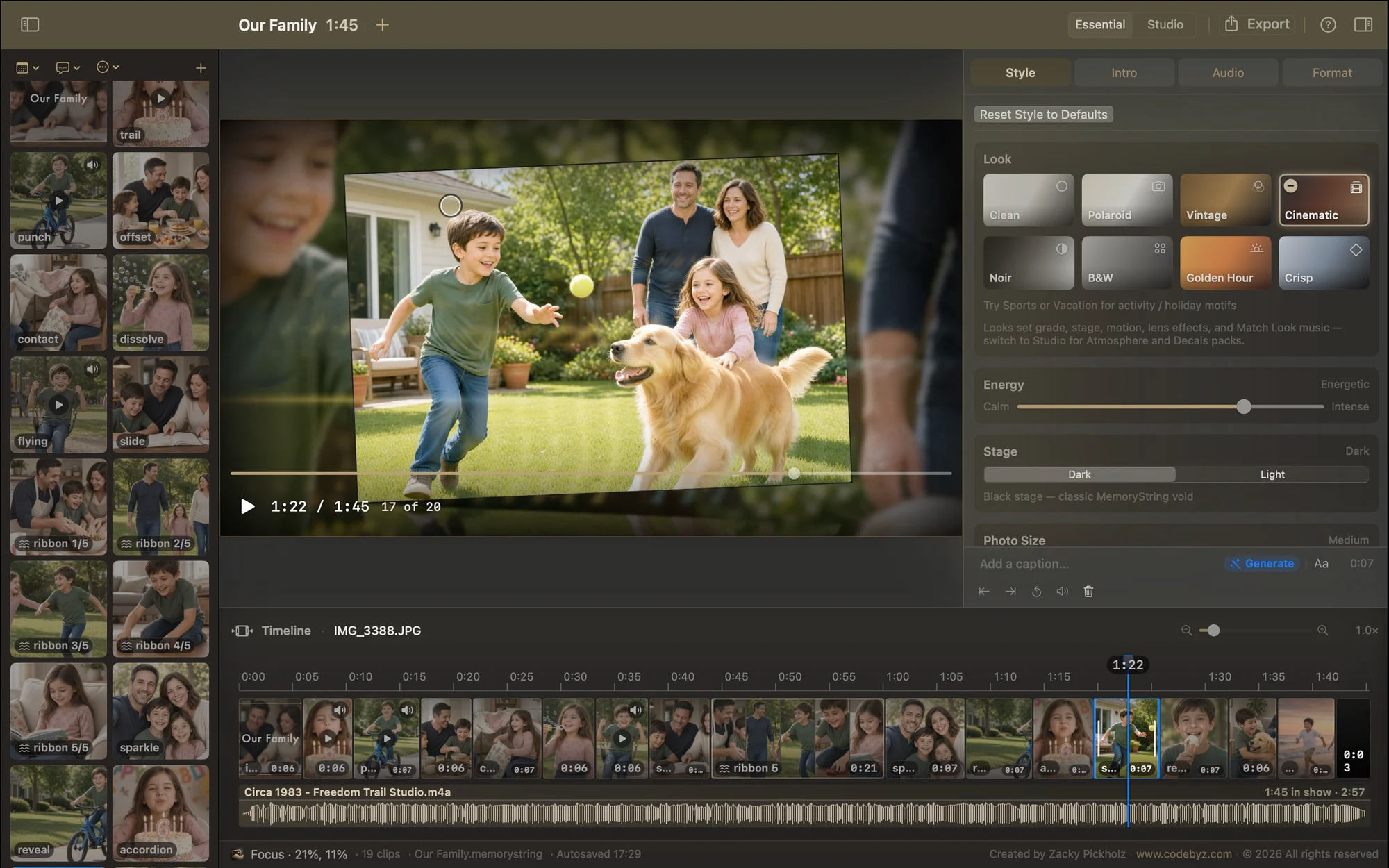
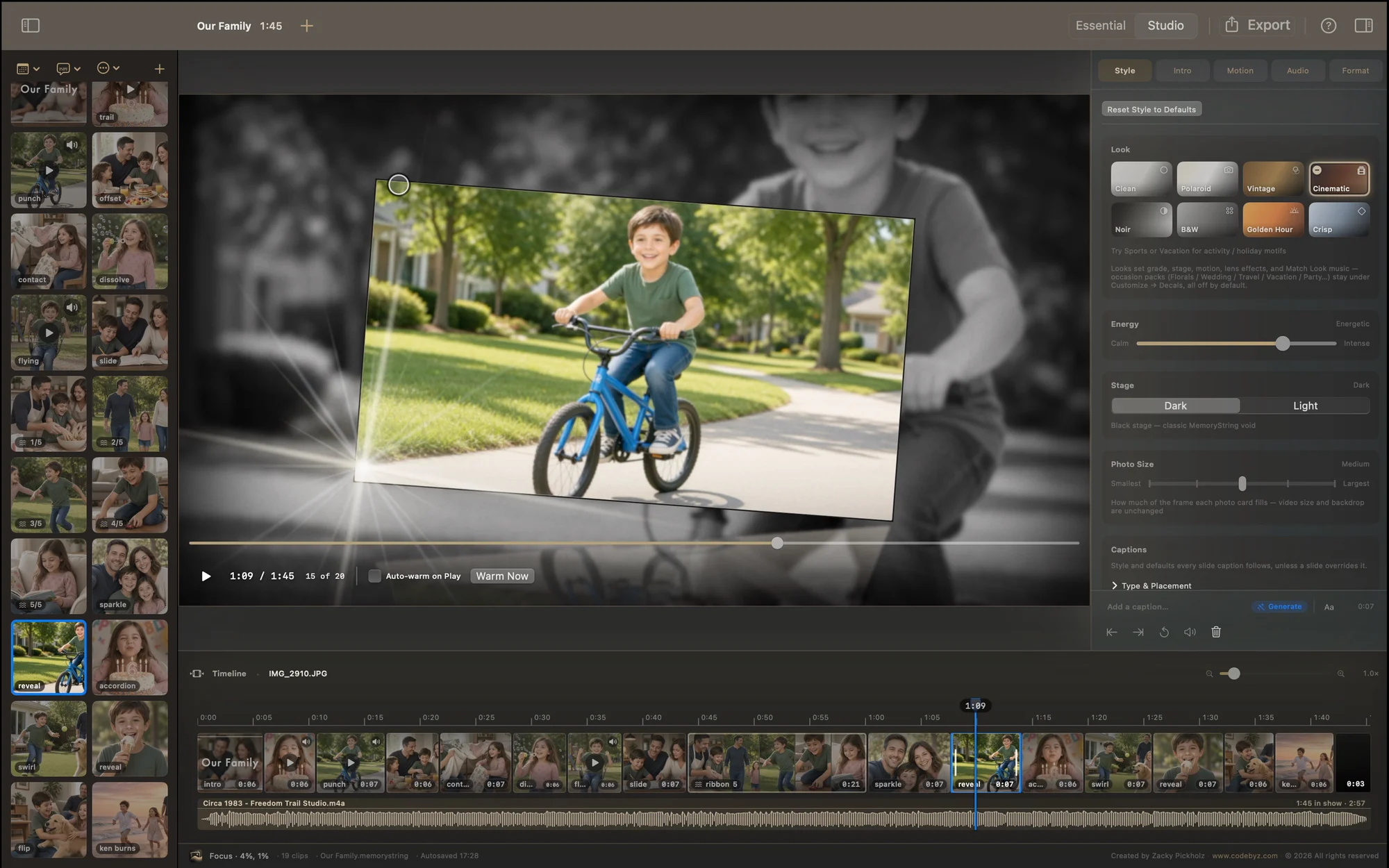
Eight professional Looks style your entire slideshow in one tap. Cinematic color grading without the complexity. Golden Hour stays warm through the exit card.
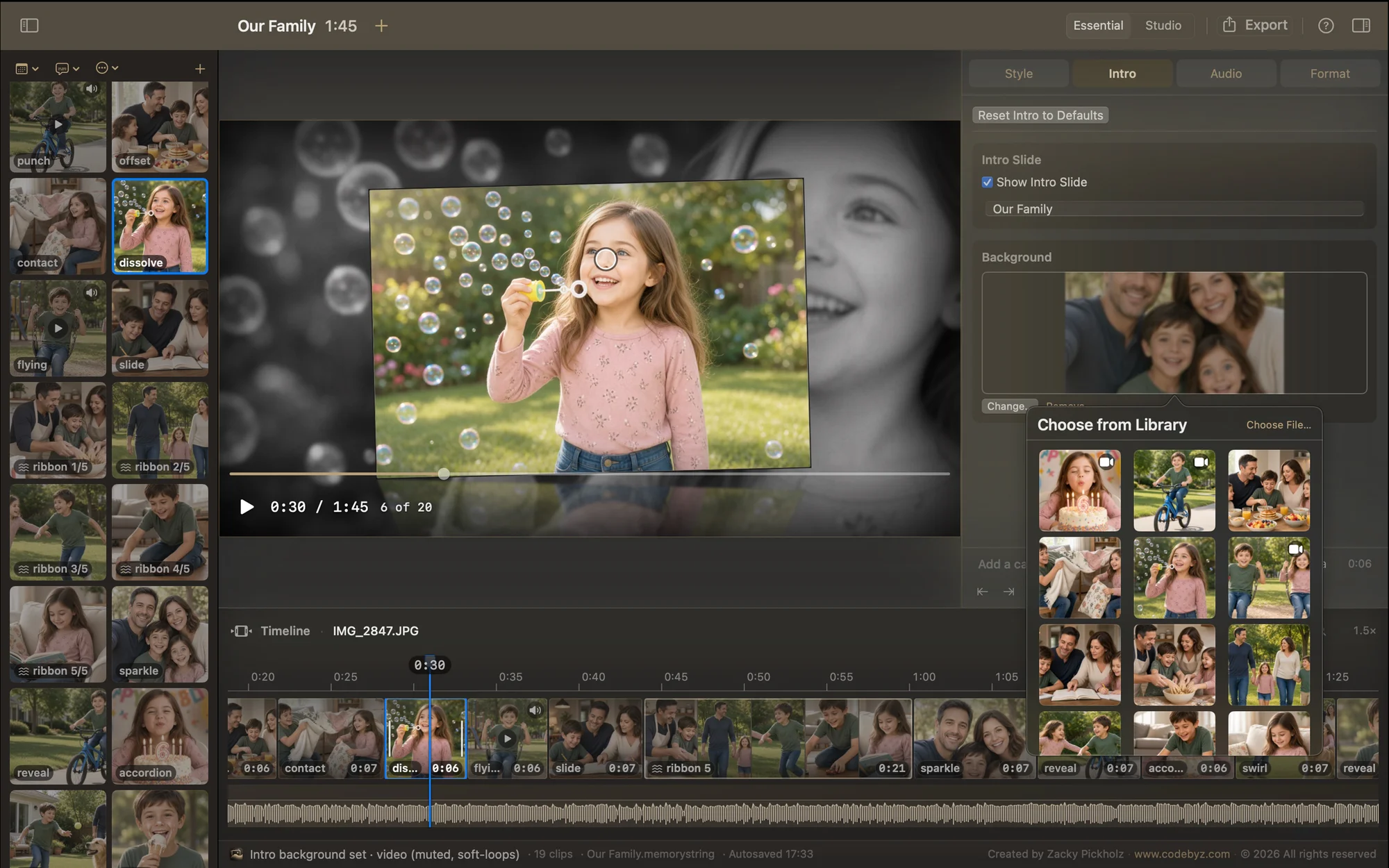
Zoom and aim the blurred background: pinch or drag the focus circle. Studio fonts and titles included. Everything stays consistent across your movie.
Timeline and Keep Best Shots
Fine-tune on the timeline if you like. Drag to rearrange, trim clips, adjust transitions.
Keep Best Shots picks the sharpest photo from each burst of similar shots. Originals never change.
Music and Audioline
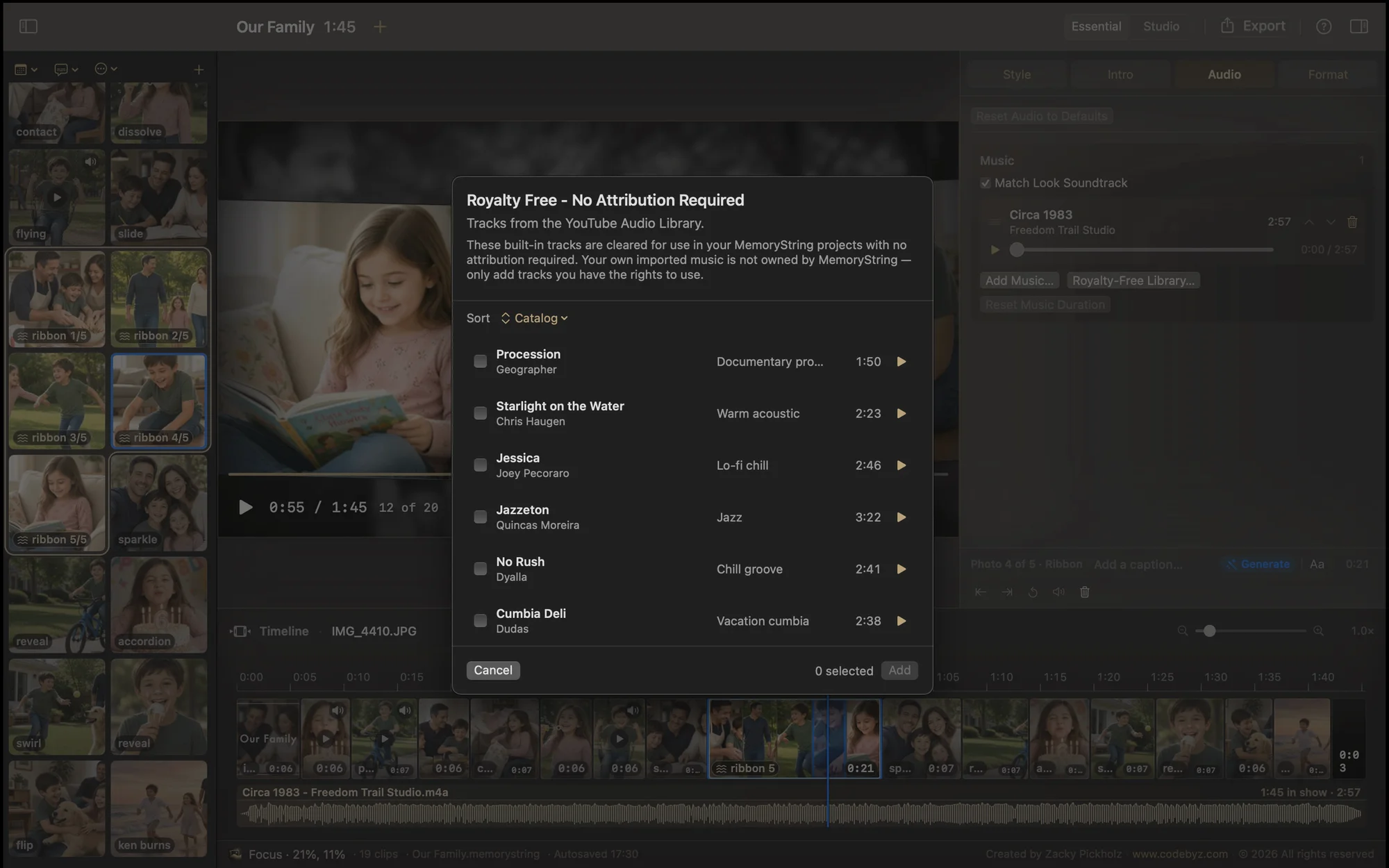
Add your own tracks or use the built-in catalog of 50 handpicked royalty-free tracks. The Audioline shows your music timeline and lets you adjust where tracks start and end.
Drag multiple tracks in any order. Fit Show to Music or Music Follows Show keep everything in sync.
Export
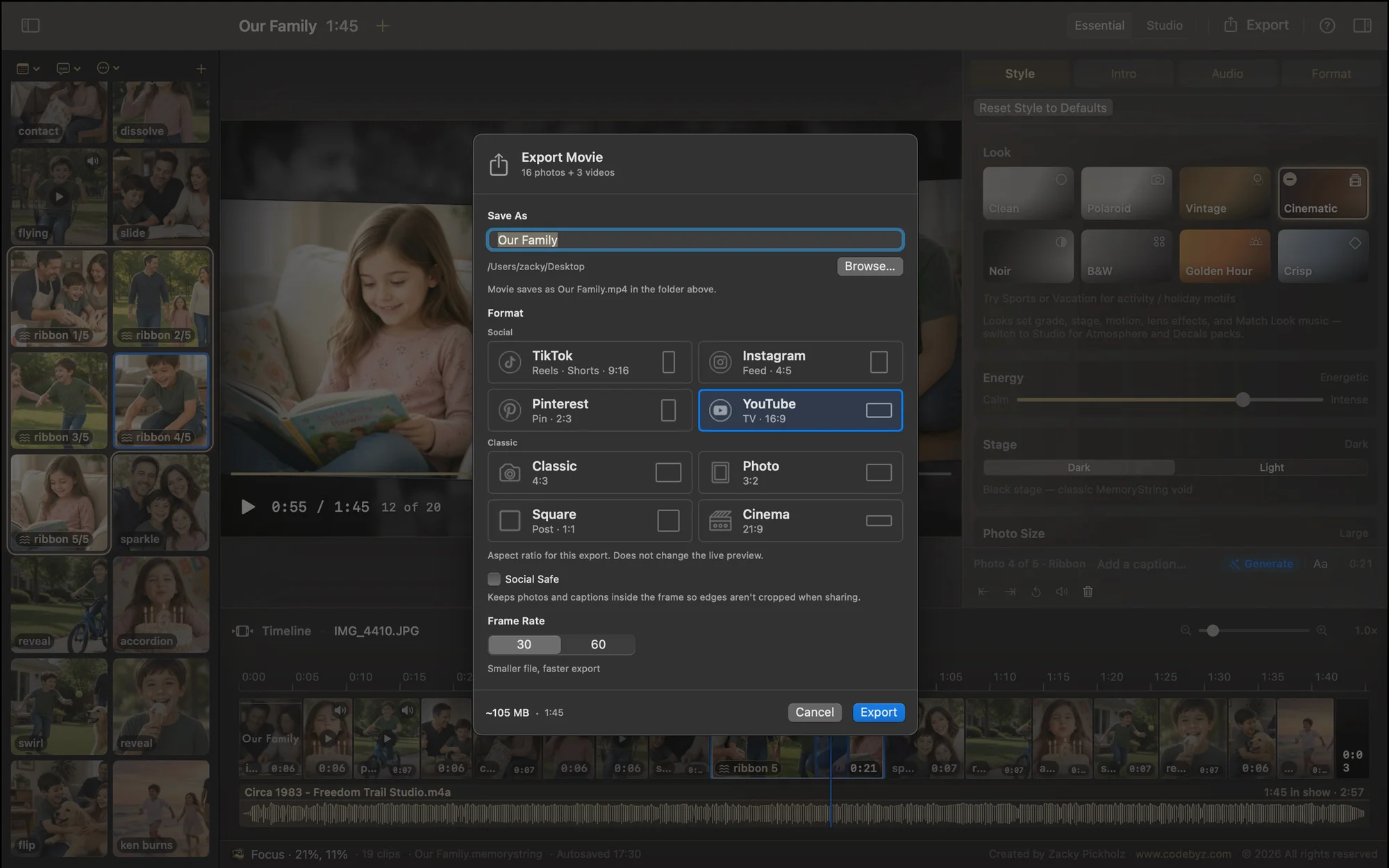
Export H.264 MP4 on your Mac for YouTube, Instagram, TikTok, or email. Or create a silent Mac screensaver that plays your slideshow when your Mac is idle.
Every movie ends with a short Created with MemoryString credit. Everything renders locally.
See it in action
Watch MemoryString turn a trip into a movie. Quick tutorials on YouTube.
A walkthrough of the app, plus a finished slideshow as an example of what you can export.
Why MemoryString
Three things that set MemoryString apart.
1. Long story short turns thousands of photos into a movie of the length you pick. No other Mac slideshow app does this. Point it at an album with hundreds or thousands of photos and videos. Choose a length from 1 to 30 minutes. It keeps the best shots and drops near-duplicates automatically. Your entire camera roll becomes a watchable movie in minutes.
2. A catalog of 50 handpicked royalty-free tracks, built in and ready to use. No hunting for music. No licensing worries. Just pick a track and play. Or import your own. Fit Show to Music makes the ending land on the song, every time. Music Follows Show keeps everything in sync when you adjust the show length.
3. Beautiful, cinematic transitions throughout. Every photo and video flows into the next with polished motion. The kind of transitions you see in professional films. No manual animation. Just smooth, elegant movement from start to finish.
Everything else you need:
- Eight professional Looks. One tap styles your entire slideshow. Clean, Polaroid, Vintage, Cinematic, and more.
- One-click captions. Auto Caption fills each photo with its place and date, for example Golden Gate Park, San Francisco · 6 July 2024. Studio fonts and titles included.
- Export and share. Polished H.264 MP4 for YouTube, Instagram, TikTok, or email. Or create a Mac screensaver.
- Completely free. No subscription, no account, no uploads. Works straight from your Photos library or any folder. macOS 14+, Apple Silicon and Intel.
How it compares:
- iMovie: Full video editor, great for editing video, but lots of manual work for big photo sets.
- Photos Memories: Quick and automatic, plays inside Photos, little control over the final result.
- FotoMagico: Paid app built for live stage presentations with clicker control and layers.
Completely free
No subscription. No account. No ads. Your photos and videos stay on your Mac, and every feature is included at no cost.
Exported movies end with a short Created with MemoryString credit.
macOS 14+ Apple Silicon and Intel
Frequently asked questions
What is MemoryString?
MemoryString (sometimes written Memory String) is a free Mac slideshow app that turns photos and videos into a polished movie with music. It runs on your Mac, with no account and no uploads.
Is MemoryString free?
Yes. MemoryString is free on the Mac App Store, with no subscription, no account, and no ads. All current features are included. Exported movies end with a short Created with MemoryString credit.
What is the best free slideshow app for Mac?
For a free Mac app that turns a Photos album or folder into a shareable MP4 with music, on your Mac and with no account, MemoryString is built for that job. It includes Long story short, Fit Show to Music, Looks, one-click captions, and export.
Can I make a slideshow from my Photos library without uploading anything?
Yes. MemoryString works entirely on your Mac. Nothing is uploaded, there is no cloud account, and your original photos and videos are never changed.
Can the slideshow end with the song?
Yes. Fit Show to Music sets the pace so your track covers the whole film, end card included, and fades out across the Created with MemoryString credit. Music Follows Show keeps music aligned with the show length.
Is there an iMovie alternative for photo slideshows?
iMovie is great for editing video, but building a slideshow from hundreds of photos takes a lot of manual work. MemoryString is made for slideshows: Long story short, music with Fit Show to Music, one-click place and date captions, Looks, and MP4 export. It does not replace iMovie for a full timeline edit.
How do I turn thousands of trip photos into a short movie on my Mac?
Open MemoryString, pick an album from Photos or a folder on your Mac, and use Long story short. Choose a length from 1 to 30 minutes. It keeps the best shots, drops near-duplicates, and can trim long clips. Then add music and a Look, caption your photos in one click, and export the movie.
How do I make a Mac screensaver from my photos?
Build a show in MemoryString, then export it as a Mac screensaver instead of a movie. Your slideshow then plays whenever your Mac is idle.
Is MemoryString a free FotoMagico alternative?
If you want a finished, shareable movie of your photos and videos, yes: MemoryString is free and gets you there fast, with smart culling, Looks, and Fit Show to Music. If you run live, clicker-driven stage presentations, FotoMagico is designed for that.
How is this different from Photos Memories?
Photos Memories and Photos slideshows play inside Apple Photos. MemoryString imports from Photos or a folder, lets you cull with Long story short, Keep Best Shots, and Outtakes (Peek), fit music with Fit Show to Music, pick a Look, add captions in one click, and export an MP4 (or a silent screensaver) that you can share. Nothing is uploaded.
Can MemoryString caption my photos automatically?
Yes. Click the captions bubble in the Library header and choose Auto Caption, or click Generate on the right in the Inspector. One click captions your photos with their place and date, for example Golden Gate Park, San Francisco · 6 July 2024. If a photo has no place, it uses the capture date, or a readable filename. You can edit any caption after. It does not run until you ask.
What can MemoryString do in one click?
Long story short builds a movie of the length you pick from your best shots. One Look styles the whole show. Keep Best Shots keeps the strongest photo from each similar burst. Auto Trim keeps about four seconds from a long clip. Pick New Music or Surprise me adds a soundtrack, and tracks are auto-leveled so they sit at a similar loudness. Photos and videos land upright, and motion frames faces and subjects on its own. Fit Show to Music makes the song cover the whole film.
Does MemoryString use AI?
Very little. A few small helpers (like picking the best of similar shots) run on Apple's on-device frameworks on your Mac. Nothing is ever uploaded, shared, or used to train anything.

About the developer
Made by Zacky Pickholz
I've been building software since 2000, mostly complex, mission-critical systems for fintech, cybersecurity and large-scale data companies. I'm the founder of CodeByZ, a small studio of senior engineers.
I built MemoryString for myself. I used DaVinci, After Effects, ProShow, iMovie and more, and learned what I like and what I don't. I was tired of apps that nag you to pay more after you already paid, and still give you a mediocre movie. Then I thought: why not let everyone use it?
Ready to turn your photos into movies?
Free on the Mac App Store. macOS 14 or later.
Download on the Mac App Store